
Before You Add Another Bot
Often, in our experience, the mess was never a shortage of bots. Nobody had written down who owns what.
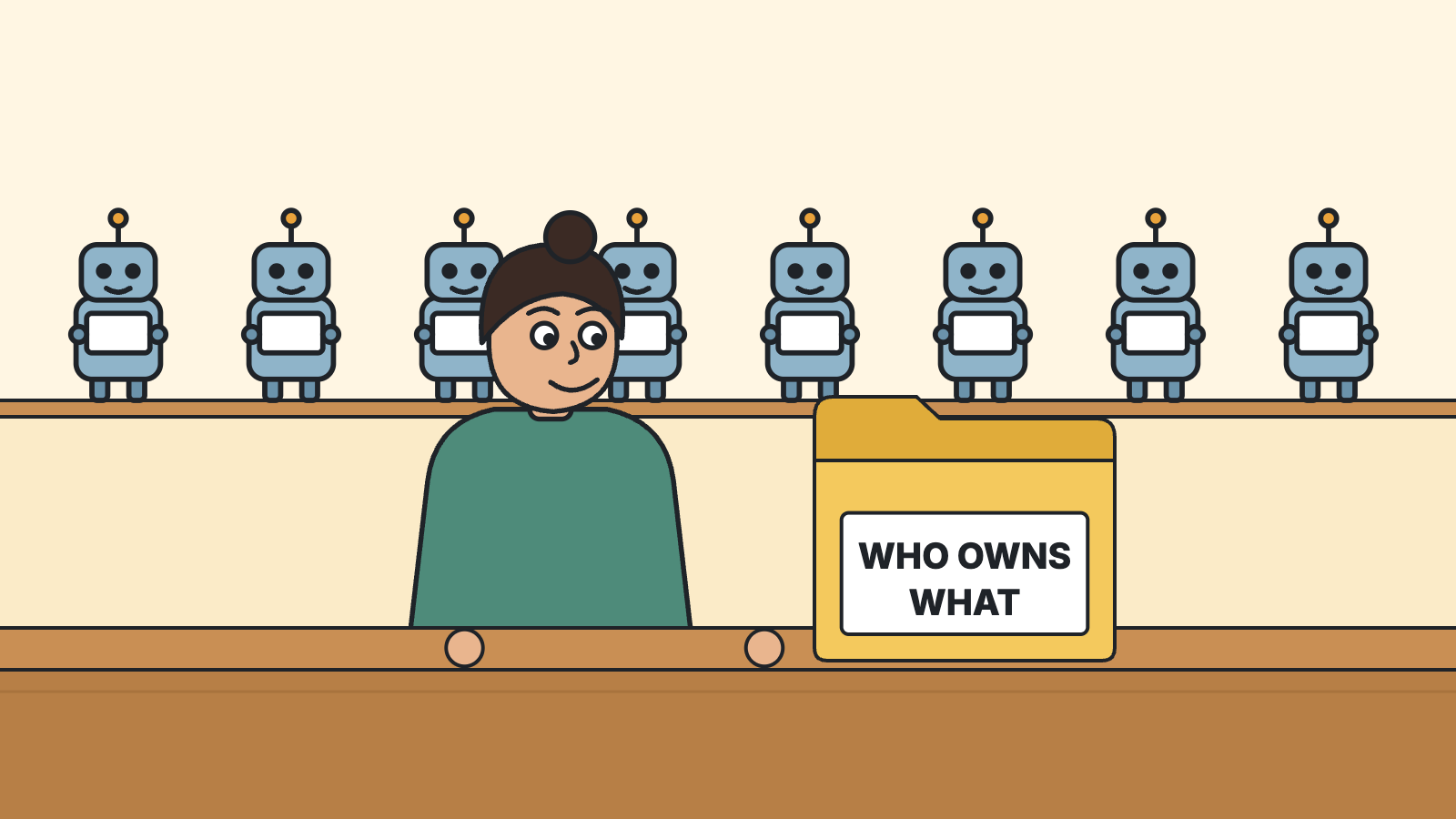
The first fix people reach for when a setup gets messy is another bot. One for email, one for the calendar, one for the numbers, each with its own name and its own color.
Sometimes that is right. Often, in our experience, the mess was never a shortage of bots. Nobody had written down who owns what.
What we keep seeing
The setups we have seen share a shape, and it has two layers.
Underneath, folders. This is a method called ICM, Jake Van Clief’s: each folder is a job, a file says what comes in and what goes out, and a log records what was decided.
On top, named bots. One per job or per login, quiet until something needs a yes, with a morning brief for everything that didn’t.
We run both layers too, the second in a lighter form. Our workers are not kept running. They are dispatched. A brief goes into a folder, a worker opens it, a report comes back as a file. Nothing sits in the background waiting.
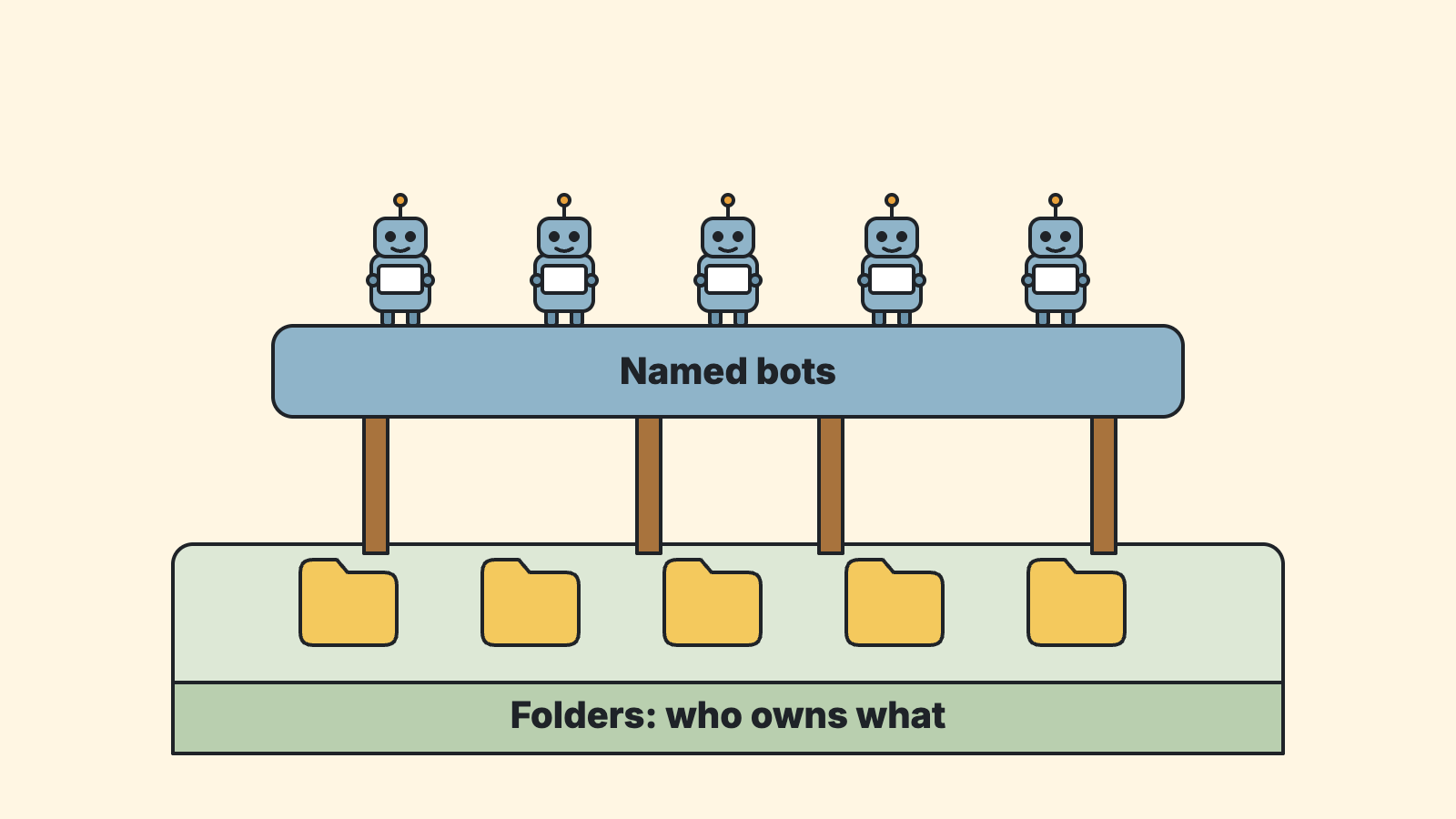
A bot is a job description with a login
Strip a persistent bot down and you find two things: a job description (what it owns, what it never touches) and a login (the account it acts through).
If the folder already says who owns what, the first half exists before the bot does. Adding the bot buys you the login, and the ability to act without you.
That can be worth buying. It is worth knowing that is the purchase.
The part worth copying
The useful part of the bot setups is their rules, and none of them need a particular product.
- One owner per login.
- Nothing goes out as you without your yes.
- Every decision gets written down.
- If nothing changed, say nothing.
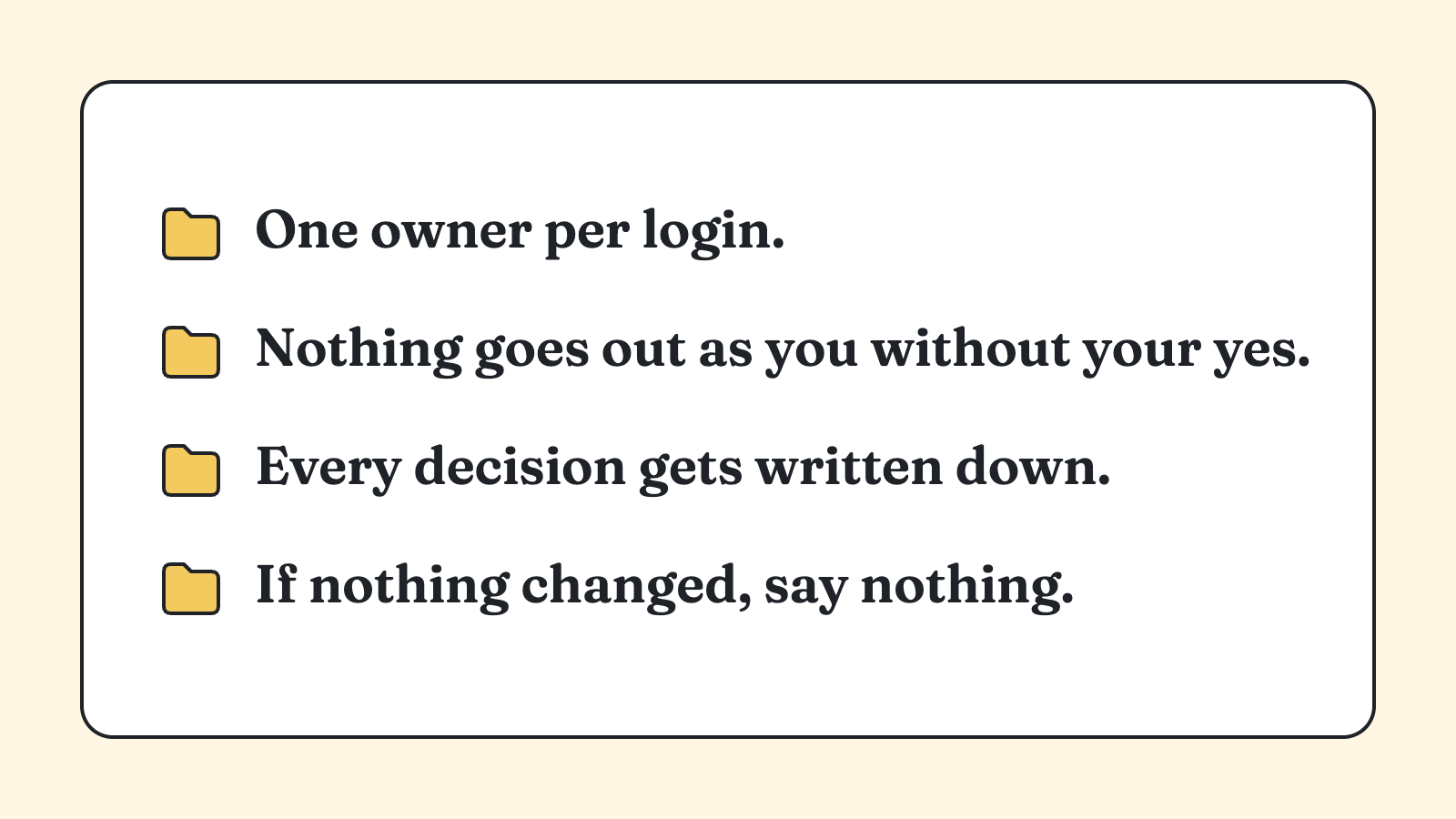
Put these on one page and follow them with a person, a folder, or a bot. They work the same in each.
When a bot does earn its place
Some jobs the folder alone cannot do. A screen that has no other way in, so something has to sit at it and click. A watcher that has to keep looking for hours. Something that has to happen while you are asleep.
Those are not organizing problems. Add the bot there.
Ask before you add
Before the next bot, answer three things. What is the job? What files does it read? What does it hand off, and to whom?
If you can answer in a folder, you may be done. If the last answer is “and it has to happen at 3 a.m. while I’m asleep,” that is a bot.
A bot can do the job. It can’t tell you whose job it is.
Join Wellness & AI SKOOL: skool.com/wellness-and-ai
Written with AI help through the Quiet Scribe Suite, and approved by Gabe before it went out.